Every setting
The event’s Settings page, tab by tab, every switch explained. Set once, then left alone — each session’s work happens elsewhere.
Structure — the divisions
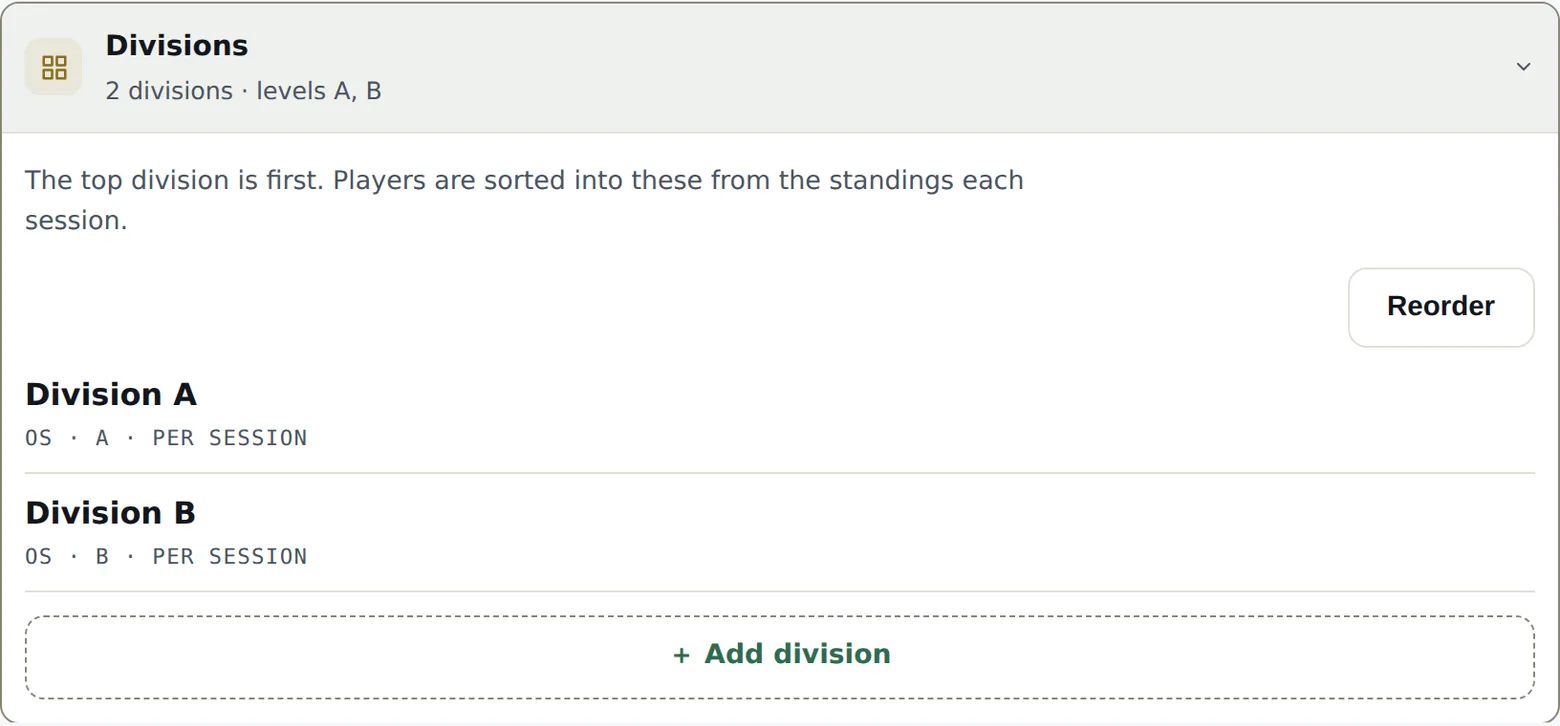
This is where the event takes its shape. For each division:
- Discipline — singles, doubles, mixed doubles or team.
- Level — the letter (A, B, C…). Required for a league: points are counted on the level. The form offers the levels already in use — reuse them; a new level scores apart, separately from the ones already there.
- Name — suggested automatically (“Men’s Singles A”), editable.
A new division joins the bottom of the list; the Reorder button fixes the order — and that order matters: it’s the promotion-relegation staircase, top division first.
The division mode
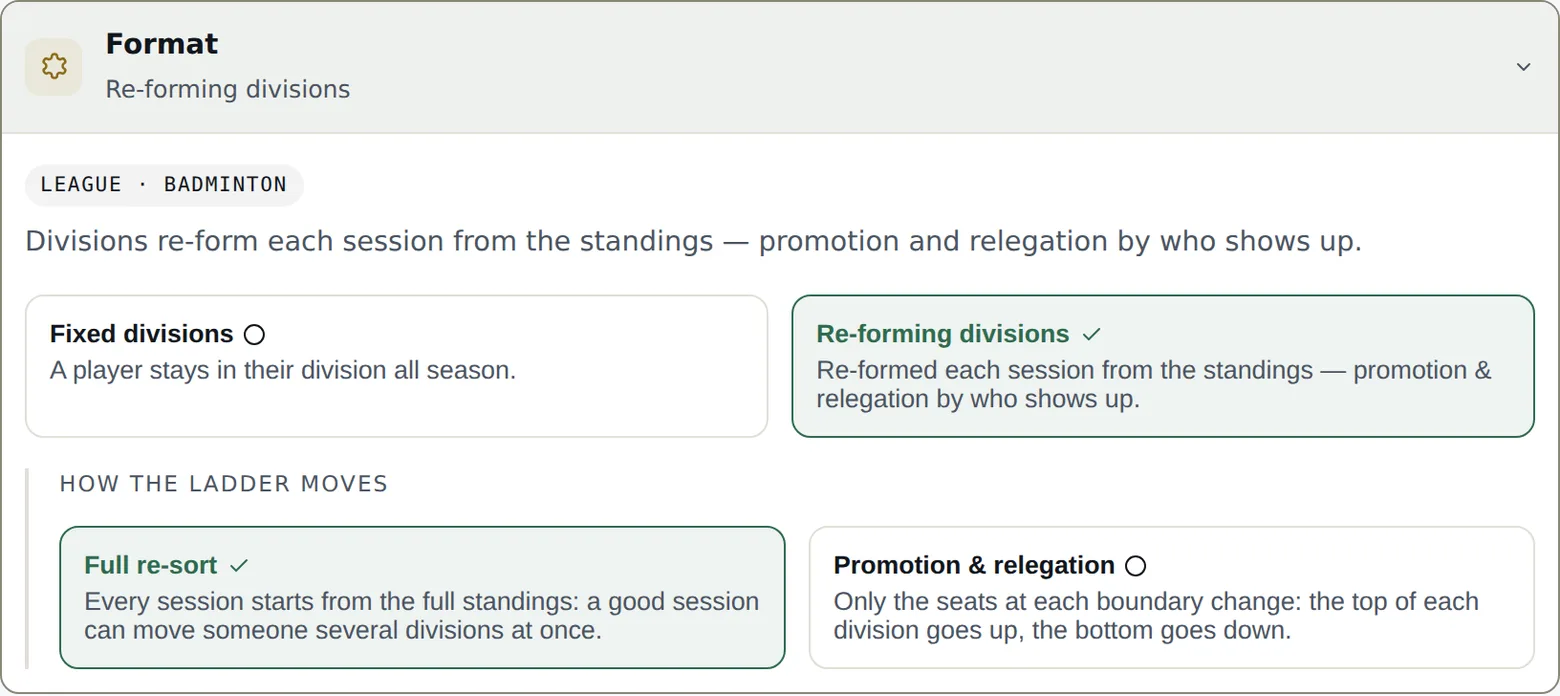
- Fixed divisions — a player keeps their division all season. Each division has its own entrants and plays its own matches. Until any of their matches has started, you can still move a player, pair or team to another division from the entrants tab: their scheduled, unplayed matches are removed, and you regenerate the session.
- Reshuffled divisions — those present are spread by ranking at every session: promotion and relegation live, according to who shows up.
The mode locks at the first match played — changing it afterwards would reread every result under a different rule. Decide it before the first session.
In reshuffled mode, How the standings evolve picks the engine: up & down (only the border places change — the top of each division moves up, the bottom moves down, decided on court) or full re-sort (every session restarts from the whole ladder — one good session can jump a division at once). Then How many places change: Automatic (recommended — adapts to who’s present: 1 place up to 5 players, 2 from 6 to 9, 3 from 10) or a fixed number, never more than half the division.
Format — games and points
A league’s default format is 3 games to 15. Change it for the whole event, then refine where needed: per division, per phase (pool or playoffs), or for a single session. A tournament has nothing to set here — its format is fixed per bracket, at generation time; a team league configures its encounter under Team play.
Sessions — how they unfold
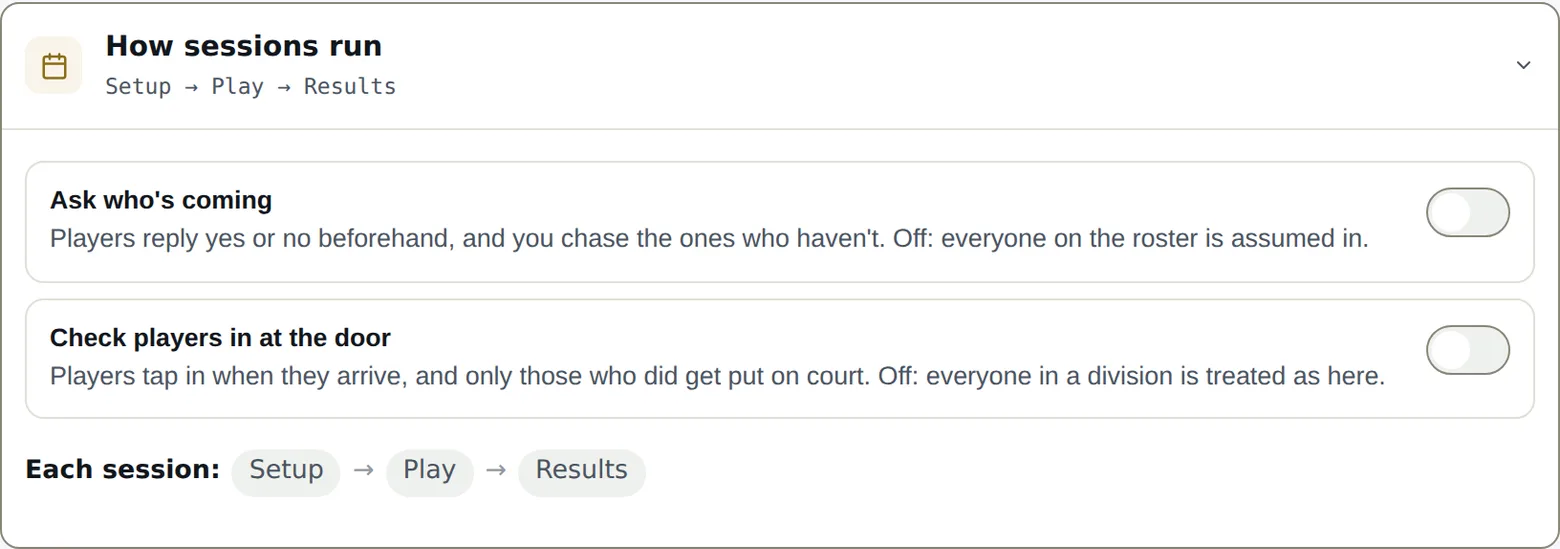
A session moves through four moments: Setup → Attendance → Play → Results. Two switches decide what “Attendance” demands:
- Ask who’s coming — players answer yes or no in advance (the RSVP links), and you nudge those who haven’t answered. Off: no RSVP, the session prepares without a poll.
- Check players in — players flag their arrival, and only those checked in get placed on courts. Off: every entrant is placeable by default. Arrivals then live in the Play tab, above the courts — checking someone in can send their match straight onto a free court.
Automatic invites
Under Ask who’s coming, a second switch, Send the invites automatically, sends each session’s invite for you: how many days before (the same day, the day before, or up to two weeks), at what time, and whether a reminder follows a few days later for whoever has not answered. Times are your club’s — the zone is set in the organization settings and detected from your browser the first time. A sentence under the fields names the next invite and its session, then the one after, and moves as soon as you change a value. The full story is in chapter 3.
Just above that switch, Language of the invites decides the email’s language — not your console’s. It covers every invite this event sends: the ones that go out on their own and the ones you send yourself from the Roster page. A club that automates nothing still gets to set it.
Further down, Courts names your courts for the whole season — “A, B, Centre”, comma-separated, the first being court 1. The play board, the setup and the public screen use them every session; without names they are Court 1, 2, 3. Nothing to rename session by session.
Points — the scale
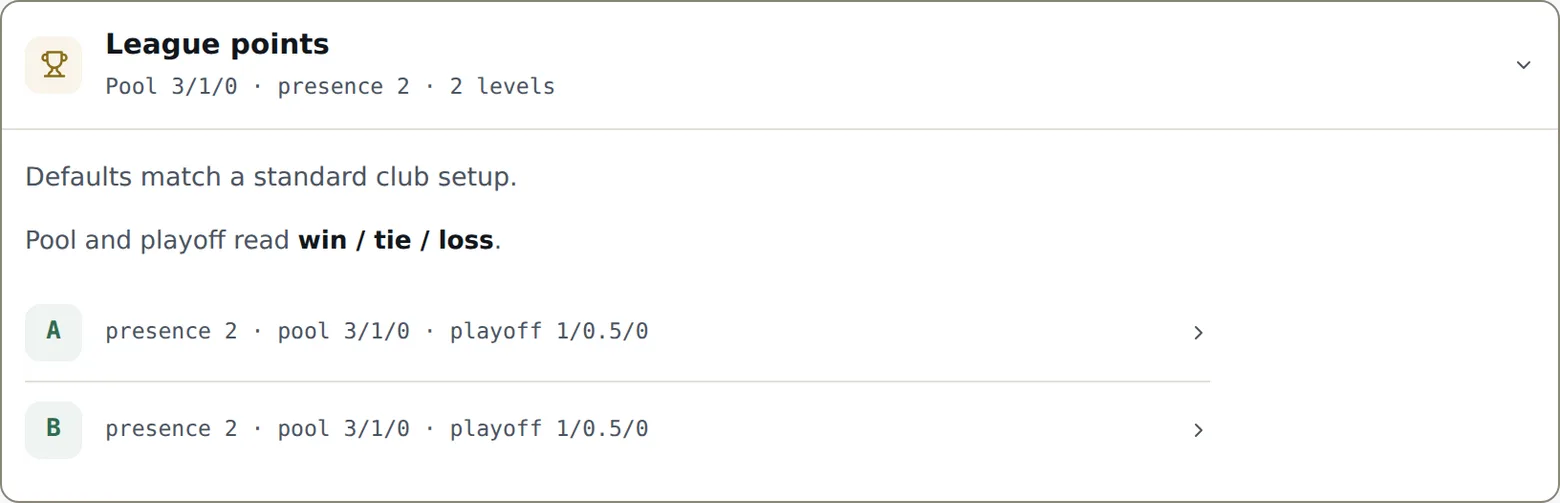
The League points scale is set level by level: win / tie / loss, in pool and playoffs separately, plus the presence point (earned by playing at least one match that night). Half-points are allowed. The defaults match a standard club — only touch them if your league already has its traditions.
One-night pairs answers a doubles-league question: what is a session played with a substitute partner worth to the player’s regular team? Everything, half, or nothing — the one-night pair always keeps its own line in the standings; the setting only decides what flows back to the regular team.
Scores — who confirms, when it locks
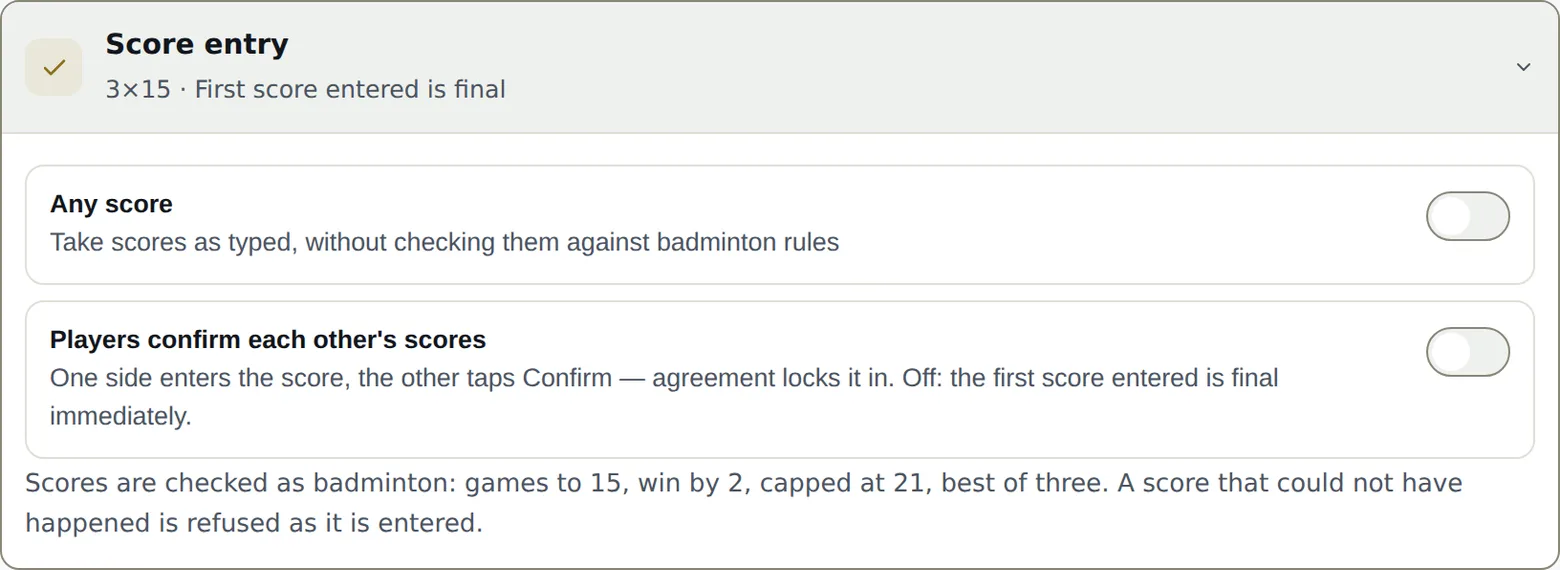
- Players confirm each other’s scores — one side enters the score, the other taps Confirm: agreement locks it. Off: the first score entered is final. Either way, scores you enter from the console are final immediately.
- If nobody answers — a score nobody disputes locks itself after 10, 20, 45 minutes or 1 hour; or Only after confirmation, and it stays open until the other side confirms — or you rule.
- Free scoring — records scores as declared, unchecked. Off, scores are validated like badminton: games to 15, win by two, capped at 21. On, any score up to 30 a side passes, one to five games.
Team play — the encounter
For a team league only: What an encounter is made of — the list of matches (discipline by discipline, 1 to 20), played in that order at every encounter, and the minimum men and women per lineup. The minimum is checked as a warning, never a refusal — a team one player short at 4:55pm has nobody left to call. The full story is in chapter 6.
Sign-up — fee, spots, opening
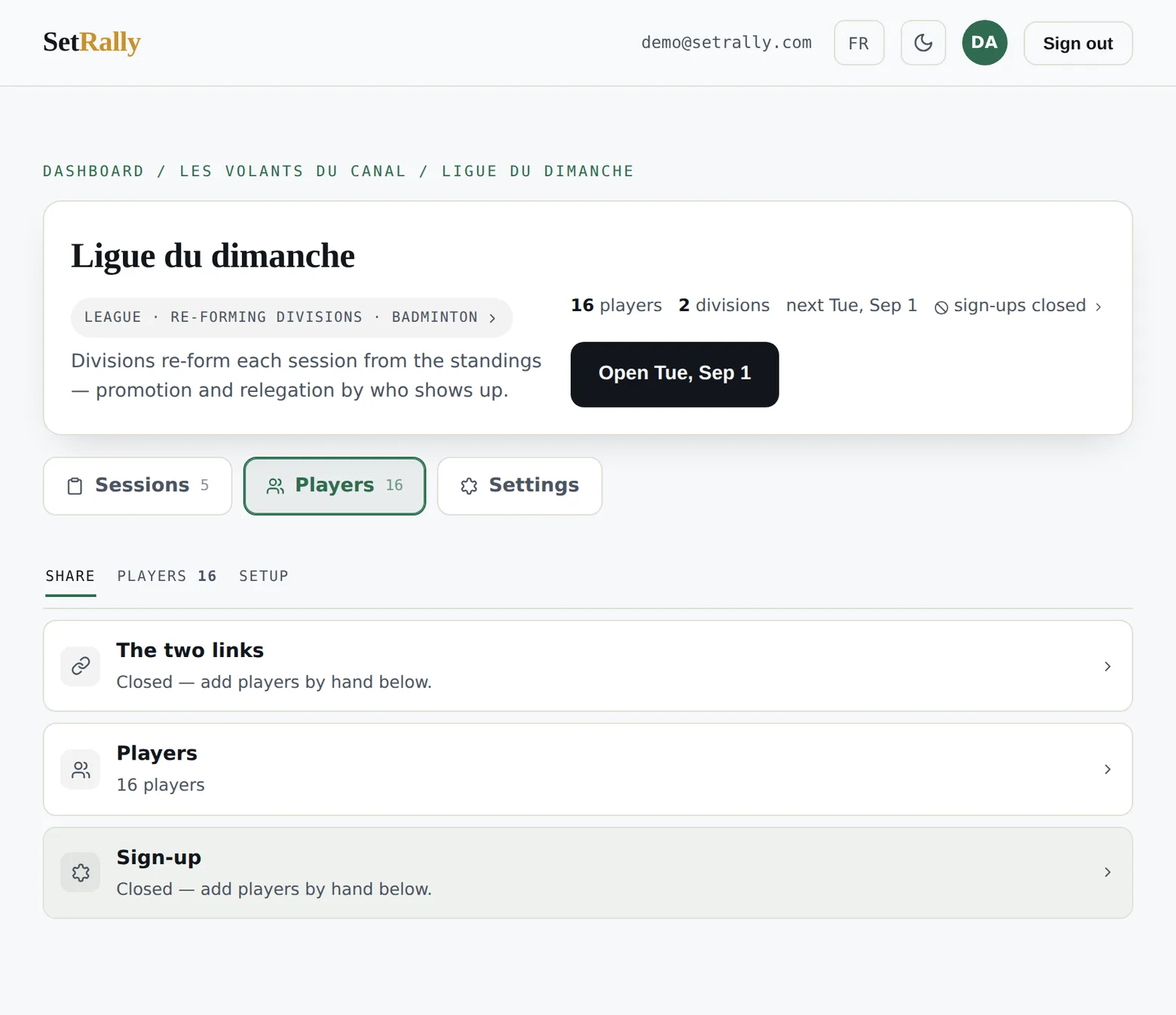
The money settings don’t live under Settings but on the sign-ups tab, next to the entrants themselves: the fee (per player or per team, division by division), the spots (capacity per division, held the moment a payment starts), and the switch that opens or closes the public form. The full tour is chapter 2.
The danger zone
At the very bottom, Delete erases the event, its divisions, its registrations and its results. It’s irreversible and the console makes you confirm it in so many words — there is no trash bin.